
Monsoon Alert! Don’t Let The Rain Ruin Your Smartphone: Simple Tips That Could Save You Thousands
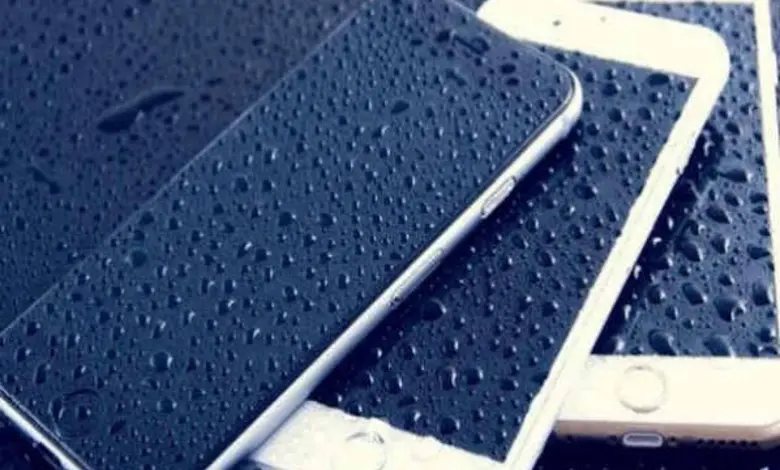
A sudden downpour is all it takes to turn an ordinary day into an expensive one especially if your smartphone gets caught in the rain. With the monsoon in full swing, phones face more than just a few raindrops. Humidity, wet pockets, slippery hands and waterlogged roads can all put your device at risk. The good news? A few smart habits can help you avoid costly repairs and keep your phone running smoothly throughout the season.
For many people, a smartphone is more than just a gadget. It stores cherished memories, banking apps, work documents, travel tickets and daily conversations. That makes protecting it during the rainy season more important than ever.
One common misconception is that a water resistant phone is completely safe in the rain. While many newer smartphones carry IP67 or IP68 ratings, these certifications don’t mean the device is waterproof. They are tested under controlled conditions, and everyday wear, accidental drops or previous repairs can reduce their effectiveness. So, even if your phone claims to resist water, it’s best not to push your luck.
A waterproof pouch or a good quality water resistant case is one of the smartest investments you can make during the monsoon. They’re affordable, easy to carry and can shield your phone from unexpected showers while you’re commuting, travelling or simply caught outdoors.




Where you keep your phone also matters. An exposed shirt pocket or loose jeans pocket can quickly collect rainwater. Instead, tuck your phone into the inner compartment of your bag or a zippered pocket. If you’re riding a bike or scooter, avoid mounting your phone on the handlebar during heavy rain unless it’s inside a waterproof holder.
Rain isn’t the only threat. Moisture in the air can quietly affect charging ports, speakers and other delicate components. If your phone gets damp, wipe it gently with a clean microfiber cloth. Most importantly, don’t plug it in to charge if the charging port is wet. Many modern smartphones will detect moisture and temporarily block charging to prevent damage.
If your phone accidentally falls into water, don’t panic. Turn it off immediately if possible, remove the case, SIM card and memory card, then let it dry naturally in a cool, well ventilated place. Avoid using a hair dryer or placing the phone under direct sunlight, as excessive heat can do more harm than good. And despite its popularity, putting a wet phone in a container of rice isn’t considered an effective fix. If the device has been heavily soaked or isn’t working properly after drying, it’s best to have it inspected by an authorised service centre.
The monsoon is also a good reminder to back up your important data. Photos, videos, contacts and essential documents can be stored securely on cloud services or an external drive. Even if the unexpected happens, your memories and files will remain safe.
Don’t forget about your accessories either. Wet charging cables, earphones and power banks can stop working properly and may even pose a safety risk. Always ensure they’re completely dry before using them.
The rainy season may be unpredictable, but protecting your smartphone doesn’t have to be complicated. A waterproof pouch in your bag, a dry cloth in your pocket and a little extra caution can make all the difference. After all, it only takes a moment of carelessness for rain to damage a device that’s become an essential part of everyday life. This monsoon, stay dry but make sure your smartphone does too.
ALSO READ: Monsoon Is Here! Follow These Simple Health Tips To Stay Safe This Rainy Season